
All guides
Save an offer to your wallet
Keep loyalty cards from several businesses in one place, on your phone.
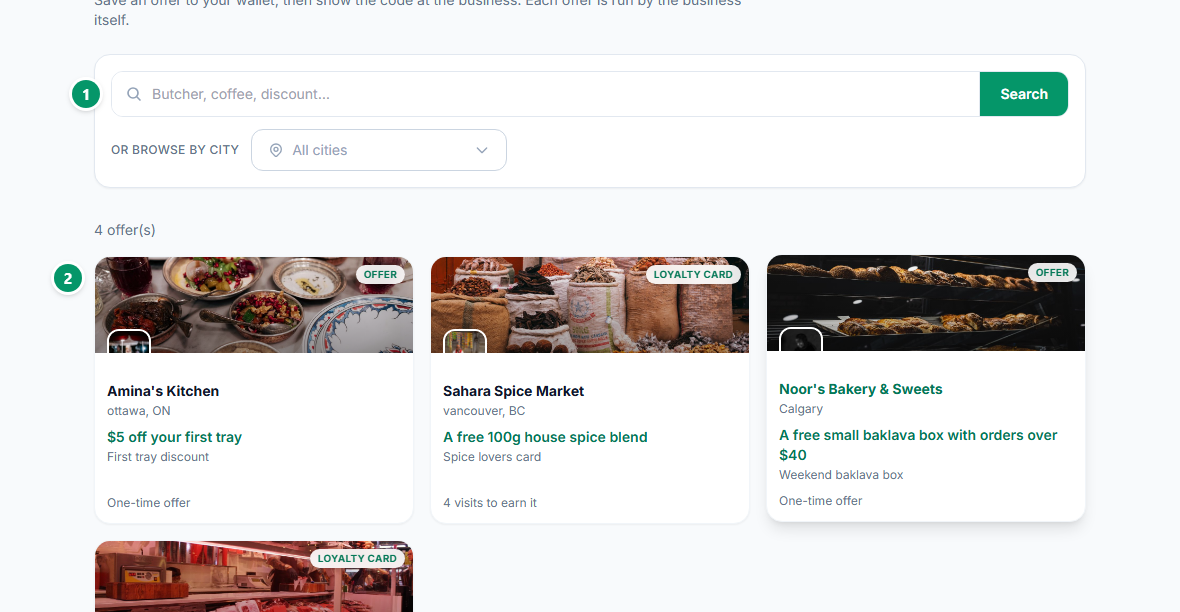
- 1Search for what you want, or browse by city.
- 2Open an offer to see the full details and save it to your wallet. A free account takes a moment to create.
At the business, show the code from your wallet. If the camera does not cooperate — a cracked screen, a dim shop — tap to reveal the code and read it out instead.
Each offer is created and honoured by the business, not by HalSouk. Questions about a specific reward go to that business.